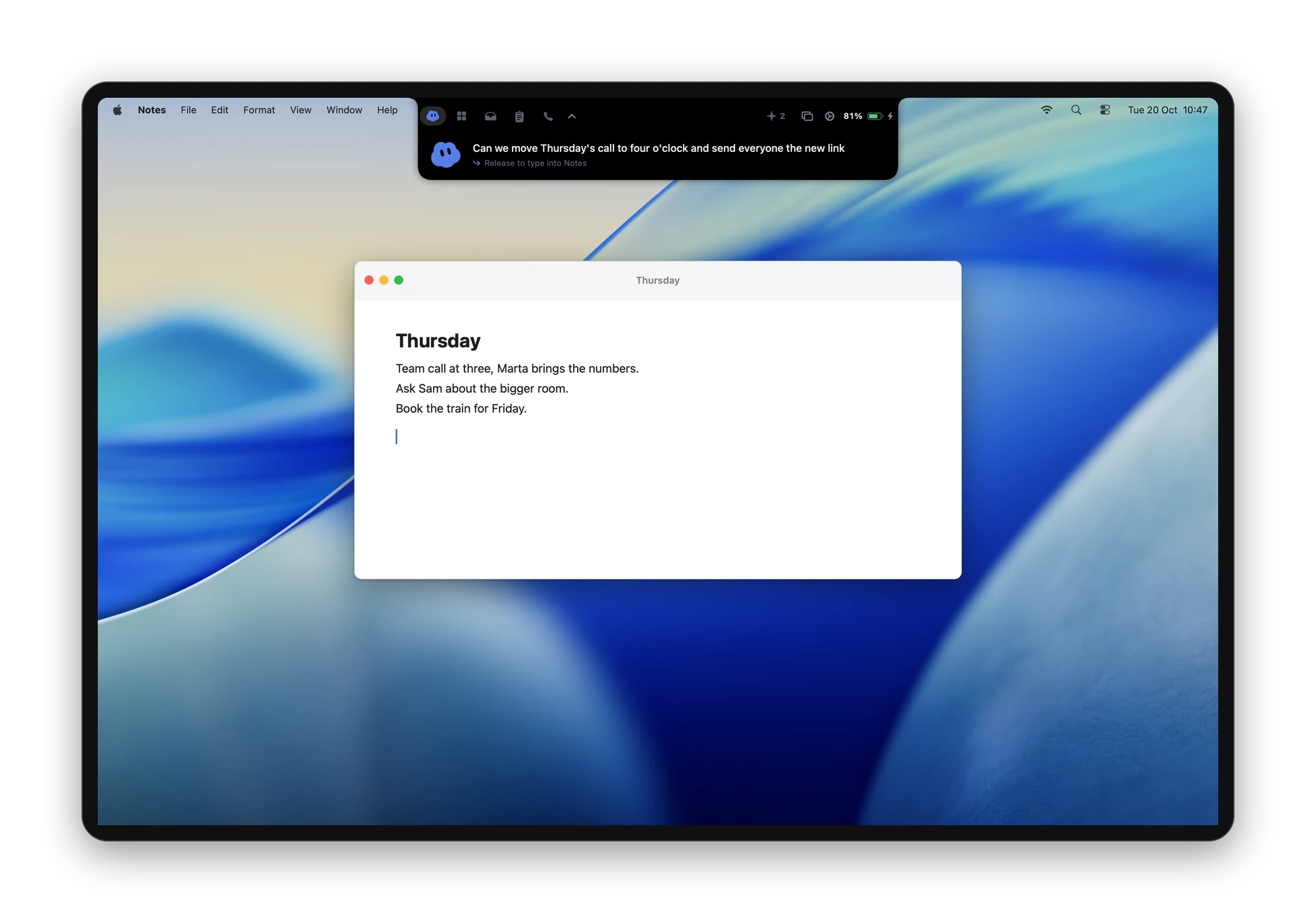
One sentence, start to finish
No window to open, no button to click. Just a key you hold.
- once · in Settings › Voice
Turn it on
It’s off until you switch it on. It asks for the mic, Accessibility and Input Monitoring.
- while you hold ⌃
Talk
Or hold Option, Command, Shift or fn if you’d rather. The notch shows the words as they come.
- the moment you let go
It’s typed
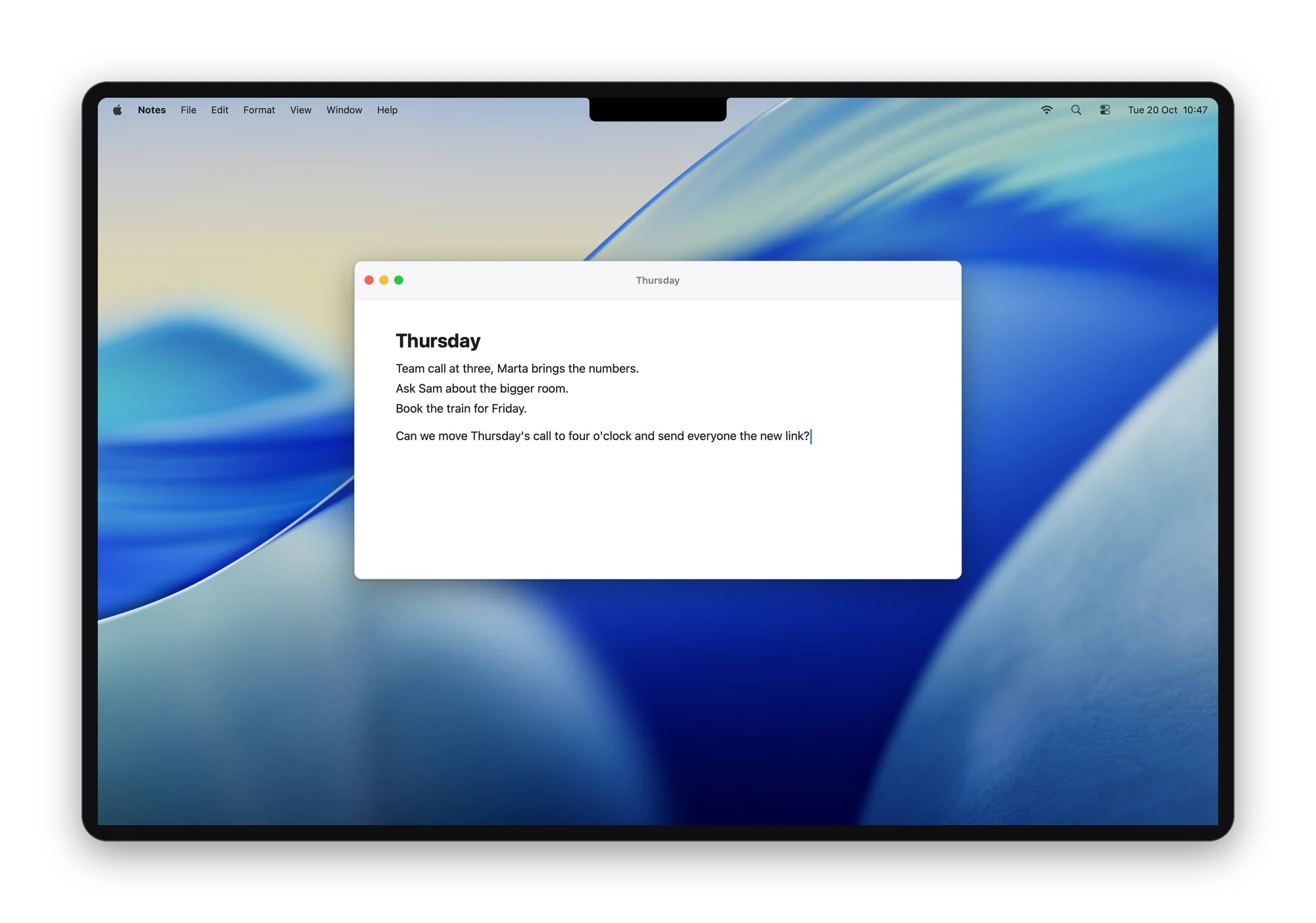
At the cursor in any app, with the “um”s taken out and the punctuation fixed.
The “um”s come out
Talk the way you talk, “um”s, second thoughts and all. What lands is the clean sentence, like the last line of this note.
Tidying up needs Apple Intelligence. Without it, the words are typed just as you said them.
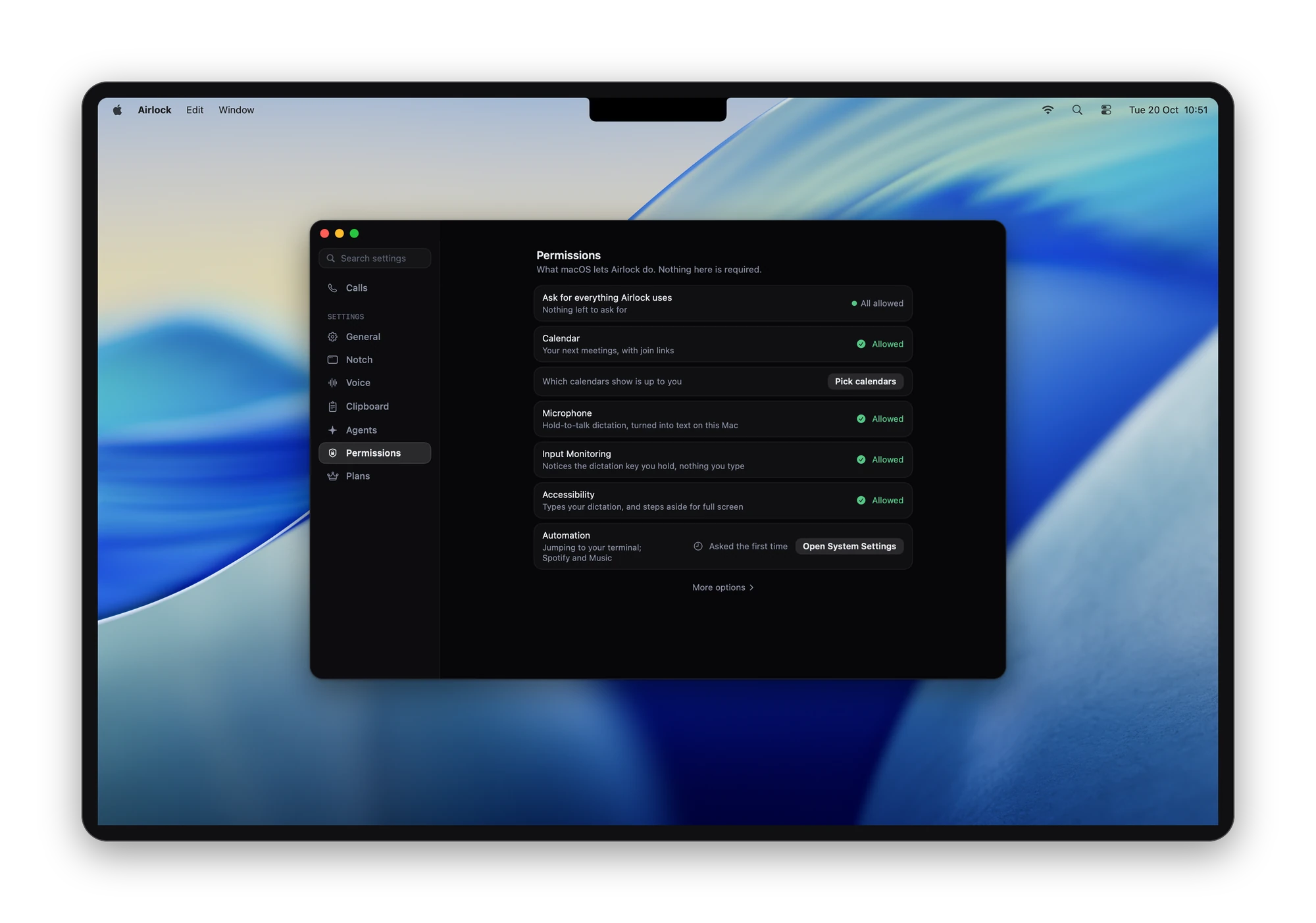
Three yeses, once
The microphone to hear you. Accessibility to type the words. Input Monitoring to notice you holding the key while you’re in another app.
Dictation stays off until you turn it on in Settings › Voice.
It thinks about where the words go
Your clipboard stays clean
The words go in as typing, so they don’t fill up your clipboard history.
Nowhere to type?
Then the words go to your clipboard instead, ready to paste.
Clicked away while talking?
Click or press a key while you talk, and the words go to your clipboard instead.
Your Mac’s, plus one
Your Mac’s own language, plus one more under Also listen for.
The one you like
The system’s microphone, or another one you pick in Settings › Voice.
Per hold
Everything you said before that is typed.
Your voice stays on your Mac
Apple’s speech recognition turns your voice into words on your Mac, and the tidy-up runs there too.
- Your voice: the audio isn’t uploaded or kept.
- The words: typed straight into your app.
- Leaves your Mac: nothing.
All of dictation is in Free
No card and no account. Plus and Pro are for longer calls, better notes and more agents.
Compare the plans →Questions
Does it work in every app?
Anywhere you can type: the words go in at the cursor. If there’s no text field to type into, they land on your clipboard so you can paste them.
Is my voice sent anywhere?
No. Apple’s speech recognition turns it into words on your Mac, and the audio isn’t stored.
Why does it need Input Monitoring?
To notice you holding the key while you’re in another app. Accessibility is what lets it type the words.
Do I need Apple Intelligence?
Only for “Tidy up what I said”. Without it, you get the words just as you said them.
Which languages does it understand?
The ones Apple’s speech recognition offers on your Mac. Pick one, and add a second under Also listen for.
More of the notch
Your next meeting, one click to join.
The notes are written when the call ends.
Claude Code’s questions, answered from the notch.
Everything you copied, one search away.
Your music, right where you look.
Park a file mid-drag.
How hard it’s working, and who’s to blame.
No sleep while you need it.